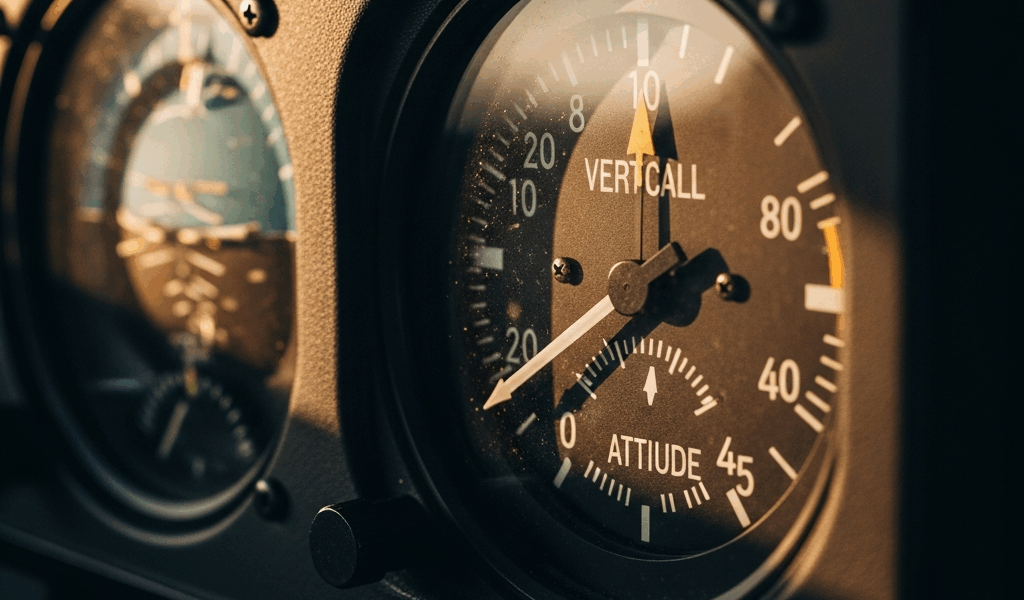
Why Your VSI Reads Climb When You’re Level
Your vertical speed indicator is screaming upward. You’re trimmed out perfectly level, airspeed stable, altitude rock-solid on the altimeter. But that VSI needle sits at 200 feet per minute climb and won’t budge.
The needle lies. Here’s why.
A blocked static port traps stale pressure inside your system. Dirt, ice, or an insect nest plugs the drain hole — sometimes just a tiny opening, barely visible. Your VSI reads the pressure differential wrong and sees a false climb. Instrument lag during altitude changes gets misinterpreted as a constant climb rather than a transient error. A hairline crack in the internal diaphragm leaks reference pressure slowly. Mechanical friction inside the case sticks the needle in a high position.
This one hits different because your altimeter and airspeed might look fine while your VSI lies to you. That’s what makes it dangerous and sneaky.
Quick Checks You Can Do in the Cockpit
Probably should have opened with this section, honestly. You need to diagnose this thing before you decide whether to continue or divert.
First—visually inspect the static port. That’s the small hole on the side of your fuselage, usually near the pitot tube or slightly aft of it. Get on the ground, grab a flashlight, look straight into that opening. You’re hunting for spider webs, dried mud, paint overspray, or ice crystals blocking the hole. The drain hole below it should be clear too. Don’t jam anything into either hole — you’ll damage the edges and make things worse. If it looks blocked, you’ve found your culprit.
Second—perform a climb and descent cycle. At a safe altitude with plenty of clearance below you, execute a 500 fpm climb for 30 seconds, then return to level flight and observe. Normal VSI lag is about 6–9 seconds. The needle should drift back toward zero. If it does, you’ve got lag, not failure. If the needle stays elevated even after you’re level and trimmed for 20 seconds, something’s mechanically wrong inside the instrument.
Third—tap the instrument gently. Use one knuckle, not your palm. A stuck needle from mechanical friction sometimes frees up temporarily when vibrated. If it drops suddenly and settles at or near zero, you’ve got sticking. It’ll do it again, but at least you know what you’re fighting.
Fourth—cross-check your altimeter and airspeed. If your altimeter is holding steady and your airspeed isn’t creeping up, you’re not actually climbing. Your altimeter doesn’t lie the way a VSI can. Trust it. If your VSI says you’re climbing but your altitude tape shows zero change over one minute, your VSI is the liar in this cockpit.
These checks take maybe three minutes total. Do them before you land in a panic.
Static Port Blockage — How It Fools Your VSI
Your static port measures ambient air pressure outside the aircraft. Your VSI compares that pressure to a reference pressure stored inside the instrument case using an internal aneroid capsule and linkage system. When the static port pressure drops — altitude increases — the capsule expands and the needle climbs. When pressure rises, descent happens, the capsule contracts and the needle falls.
Blocked static port. Stale air. No new pressure signal reaching the instrument.
Here’s what happens inside: Fresh air can’t enter the static port, so the pressure inside the system stays locked at whatever altitude you were at when it got blocked. If you climbed after blockage occurred, the external pressure is now lower than the trapped internal pressure. The capsule thinks it’s descending because it’s comparing low external pressure to higher internal pressure. Wait — no. It reads that as a pressure differential that means you’re climbing. The needle deflects upward.
Meanwhile, your true altitude keeps climbing naturally. The altimeter’s aneroid capsule is also getting the stale internal pressure, so the altimeter might lag behind the actual altitude, but it’ll trend upward slowly. Your VSI is doing the opposite — it’s screaming false climb because the pressure difference between outside (real, lower pressure at altitude) and inside (fake, old pressure) is widening.
I had this exact problem in a Cessna 172 at 6,500 feet over Idaho. VSI showed 300 fpm climb. Altimeter was steady. Airspeed was stable. I descend 500 feet, level off, and the VSI still reads climb. That’s when I knew something was wrong. Ground check revealed a mud dauber nest blocking the static port drain hole. One inch of mud-packed opening. That insect caused a false climb indication for forty minutes of flight.
On the ground, you can safely inspect the drain hole. Look from directly underneath the aircraft. A flashlight and your eyes are enough. Compressed air from an air compressor works for cleaning — 12–15 psi, short bursts. Never use a wire brush inside the hole. Never jam a probe in there. If you can’t see into the hole or the blockage won’t clear with gentle air, that’s an A&P job.
When to Land and When It’s Safe to Fly On
This is where fear meets logic. You’ve got false climb indications. Do you continue to your destination or turn around?
You’re safe to continue if: Your altimeter is steady and behaving normally. Your airspeed isn’t trending upward when the VSI says you’re climbing. You’re not in instrument conditions or approaching weather that requires precision altitude management. You’ve confirmed the false climb via the lag test and gentle tapping.
The VSI is nice to have, but it’s not required for basic flight. Your altimeter is your primary altitude reference. If that’s working, you’ve got what you need. Plan a maintenance stop within the next 50 nautical miles. File your position with ATC and let them know you’ve got an instrument discrepancy. Continue straight and level, monitor your altitude on the altimeter, and get the problem looked at on the ground.
You need to divert immediately if: Your altimeter is also erratic or trending strangely. Both your VSI and altimeter are showing climb when you’re trimmed level. You’re in IMC or actual clouds and the VSI failure happens during a climb or descent — you’ve lost vertical guidance. You suspect a complete static system failure rather than just a VSI problem.
The distinction here is about confidence. Minor VSI error? Fly on. Static system failure? Land now.
Maintenance Fixes That Stop the False Readings
Your A&P needs to see this one. Here’s what they’ll do.
First, they’ll perform a static system pressure test. This uses a calibrated hand pump to pressurize the static system and check for leaks. Pressurize to 50 millibars, hold for one minute, and measure the drop. More than 5 millibars of loss means there’s a leak somewhere. Sometimes it’s the port itself. Sometimes it’s cracked tubing. Sometimes it’s a bad fitting at the instrument case.
If the blockage was the issue, cleaning or replacing the static port drain assembly is the fix. You’re looking at $150–$400 depending on aircraft type and whether they need to access hard-to-reach areas.
If the VSI itself is the problem — internal diaphragm leak or mechanical sticking — the instrument goes out for overhaul or replacement. A typical overhauled VSI costs $600–$1,200. A new TSO-certified instrument runs $1,800–$2,800. Lead time is usually 2–4 weeks if it needs to be sent to a repair station.
Recalibration is part of the deal. Once the static system is confirmed clean and the VSI is installed (new or overhauled), your A&P will set zero bias and ensure the instrument tracks properly across the altitude range. This takes about 30 minutes of their labor.
Total time in the shop for a static port blockage is usually one day. For a VSI replacement or overhaul, add another week for shipping and repair station work.
You don’t need to understand the repair timeline in detail, but you should know that the instrument isn’t your only option. Some pilots elect to remove the VSI entirely if it’s faulty and the aircraft can be operated safely without it. Not ideal, but legal under Part 91 if the VSI isn’t required equipment for your operating rules. Check your Type Certificate and your POH to confirm.
Next time you see that needle climb in straight-and-level flight, run through your checks. Odds are you’ll catch the problem before it becomes a real emergency. Trust your altimeter. Verify your static port. Fly home safe.



Stay in the loop
Get the latest aviation data updates delivered to your inbox.